TorqueWorks
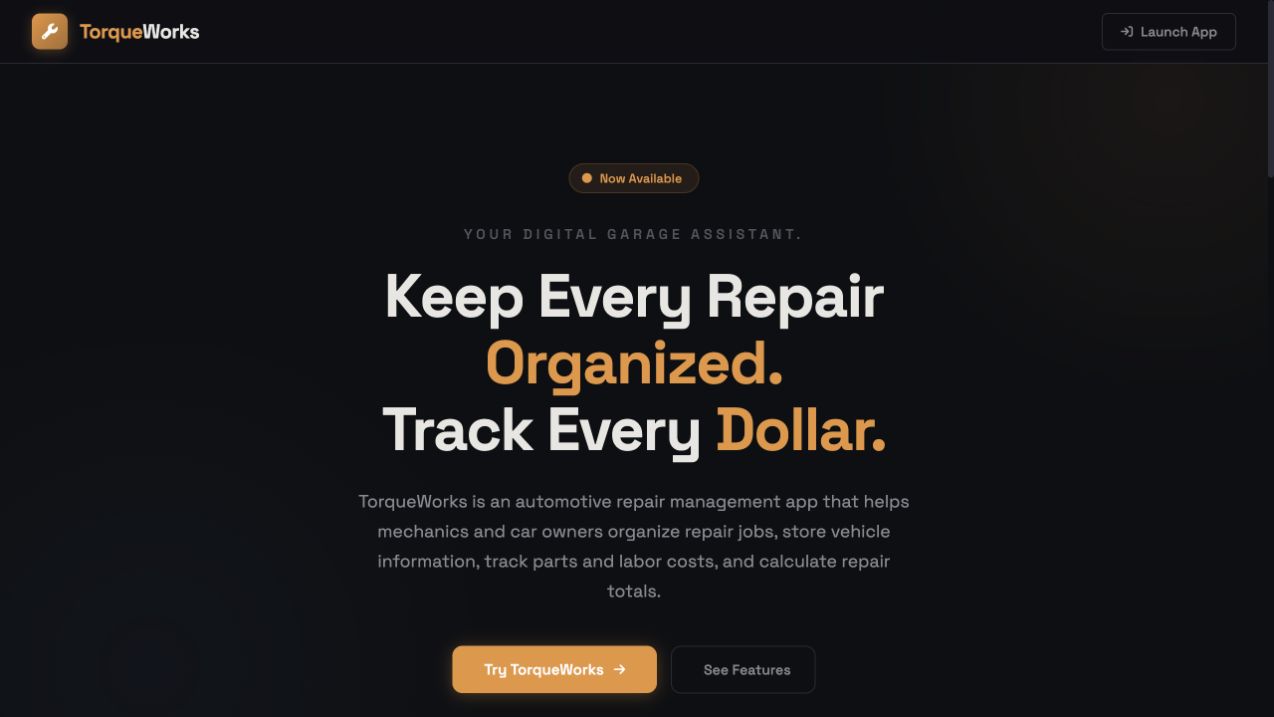
Jesael built a tool inspired by his mechanic dad's daily work.
Open live project ↗Live online · Fall 2026
Ten weeks of guided AI learning for kids and teens who want to build real projects, improve their ideas, and explain their work with confidence.
“We are beyond impressed with what they learned and accomplished.”Hima Patel · Verified Google review
Real student work
These live websites and tools began with students' own interests. Fall Term gives students more time to plan, build, test, improve, and tell the story behind what they made.
Jesael built a tool inspired by his mechanic dad's daily work.
Open live project ↗
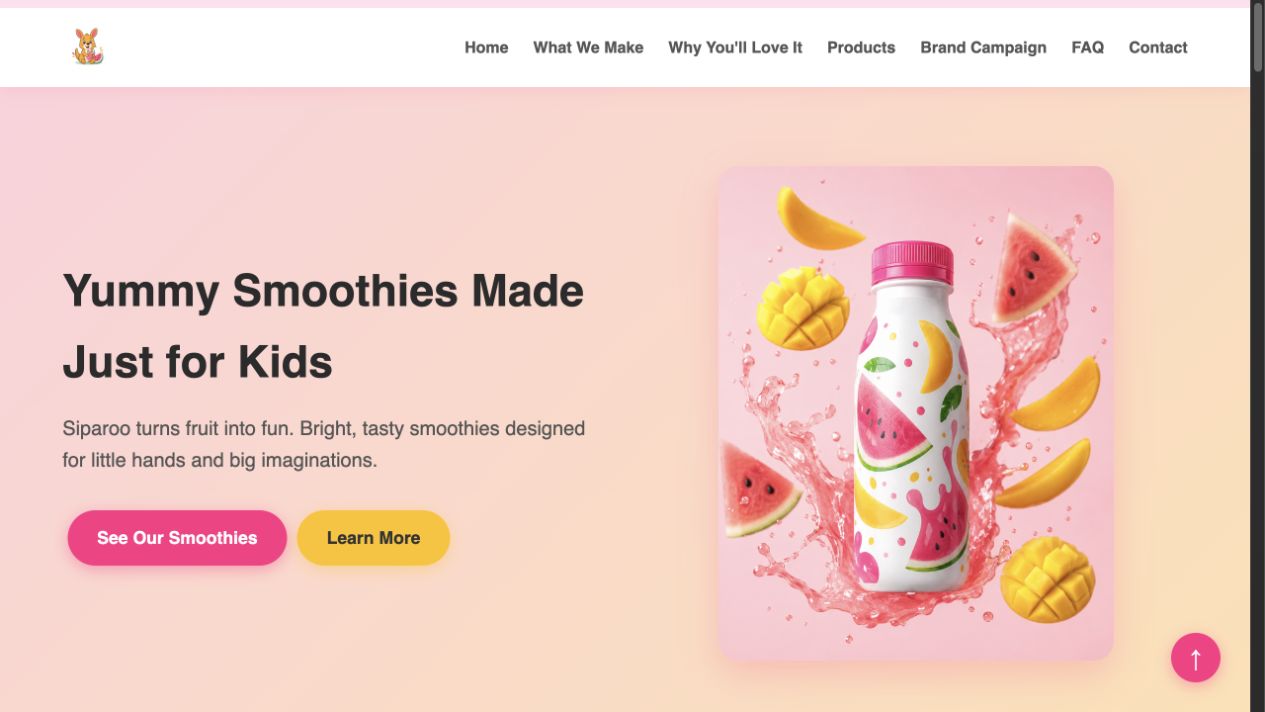
Nene turned her interest in healthy food into a playful smoothie brand for children.
Open live project ↗
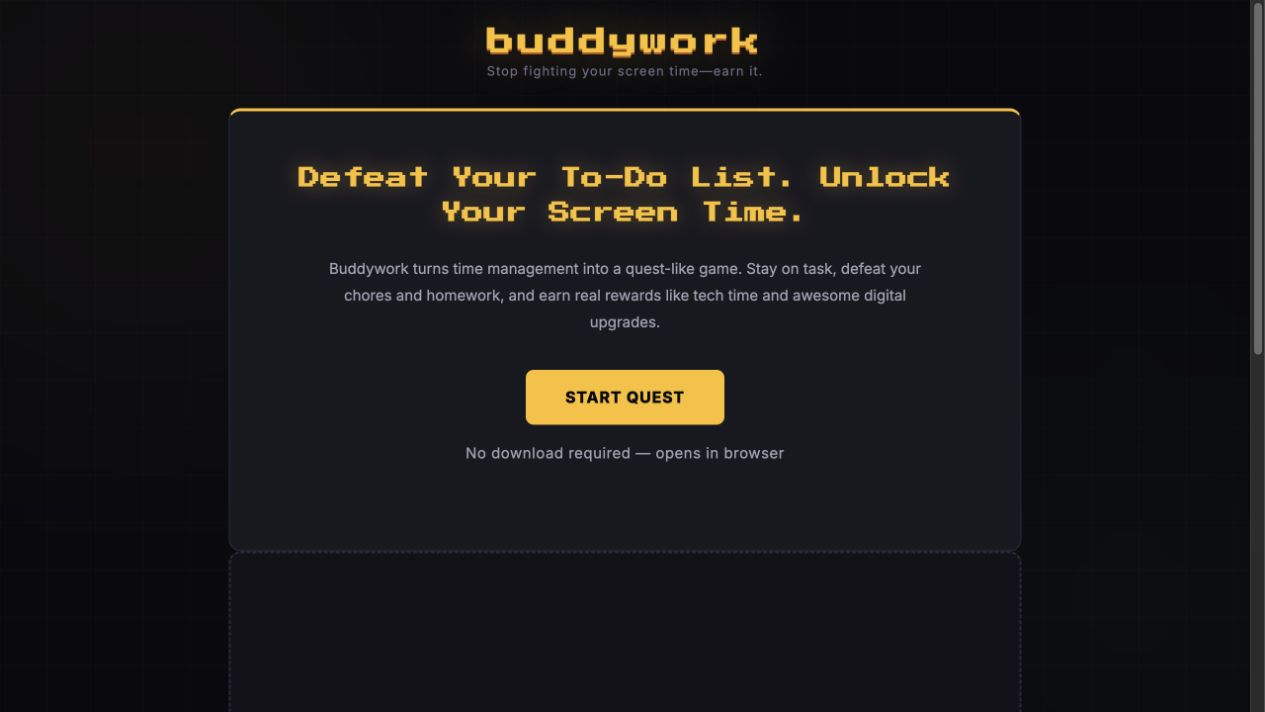
Westley built a focus tool he and his friends could use during school.
Open live project ↗Student Demo Day
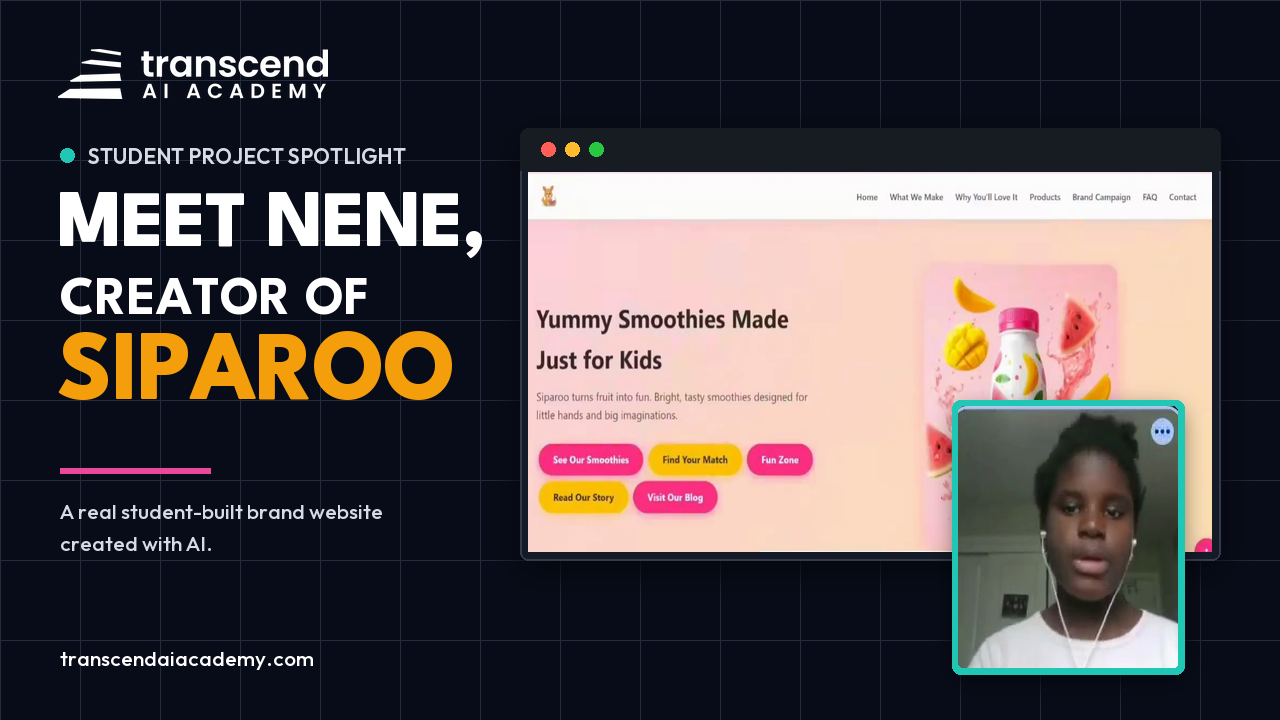
This is Nene presenting Siparoo after Summer Camp. She shows what she created, identifies a difficult mobile navigation problem, and explains how she improved her prompt to solve it. Fall Term gives students more time to practise this same build, test, improve, and explain process.
Nene, creator of Siparoo | Presented to her instructor, classmates, and family during Summer Camp Demo Day.
How students learn
Every class reinforces four habits students use while creating. The project matters, but the thinking behind it matters more.
Start with an idea and give AI clear direction.
Read the output, catch mistakes, and verify what matters.
Treat the first result as a draft and make it stronger.
Show how the project was made and why each choice matters.
Two age-aware tracks
Creative, structured projects that turn curiosity into safe and productive AI habits.
More serious portfolio work connected to research, building, communication, and future readiness.
Fall Term curriculum
The Fall Term follows the practical build sequence used in Summer Batch 1, now paced across ten Saturdays so students have more time to understand, improve, and take ownership of each piece.
Website structure, HTML and CSS files, responsive design, and testing changes in the browser.
Create a fictional product-brand site with key sections, a footer, mobile menu, buttons, and a colourful visual style.
Create a professional responsive brand website while learning how the HTML and CSS work and making direct edits.
Audience-aware writing, useful page sections, image planning, generation, placement, and revision.
Improve the website words, add sections, plan brand images, create a product picture, and place it correctly on the site.
Give the brand a distinct look and voice, improve its positioning, add credible sections, and create and place brand images.
Consistent branding, logos, gallery assets, scripts, audio and video planning, and media integration.
Create a logo and gallery images, then fit the new visuals into the website so the brand feels complete.
Write an ad script, design a brand presenter, plan a jingle, and build a campaign section for video and audio.
Turning a clear idea into a working asset, reviewing the result, and improving how visitors experience it.
Write a short ad script, design a presenter, create the video, and add a video section to the website.
Brainstorm and build a useful customer tool, then add another interactive touch that makes the site more helpful.
Creative direction, writing original prompts, working from a brief, and improving a build against clear requirements.
Create and refine a short brand song, then add the finished jingle and brand video to the website.
Interview a client, write an original brief and prompts, build to the brief, then plan and create a standalone app with greater independence.
Planning logic, creating multiple pages or game states, testing interactions, and improving the experience.
Turn the project into a multi-page site with a matching quiz, Fun Zone, memory game, sounds, and shareable results.
Plan and build an original game, test how it plays, and improve it with stronger mechanics and personal ideas.
Hosting a working project, checking the live link, adding launch assets, and communicating what was built.
Publish the brand website, then build and improve a browser game with levels, scores, sounds, and a personal twist.
Connect a contact form, plan the launch, create a launch page, and produce promotional posts and a flyer concept.
Selecting the strongest evidence, organizing ideas into slides, and expressing the value in one clear sentence.
Plan the presentation, create a visual pitch deck in Gamma, and write a clear one-line pitch for the brand.
Organize the problem, solution, audience, live build, and personal contribution into a concise presentation.
No AI for the storytelling work: students practise explaining choices, reveals, independent additions, and mistakes they fixed.
Turn features into short, memorable stories and practise a complete presentation from opening to finish.
Build several strong mini-stories, explain what went wrong and how it was solved, then rehearse the full pitch.
Organizing evidence, reflecting on the process, presenting live, and answering questions about the work.
Use a clear presentation order, reflect on the project journey, and proudly demonstrate the finished brand experience.
Create one portfolio page for the projects, add clear project descriptions, and use it as the live Demo Day showcase.
Saturdays · 12:00–2:00 PM ET
Students learn one new skill, use it immediately, and leave each class with visible progress instead of a long list of notes.
Reconnect with last week's work and set a goal.
One clear technique demonstrated live.
Students apply the skill with instructor support.
Time to move, reset, and return ready to create.
Students improve their work, test it, and receive feedback.
Parent visibility
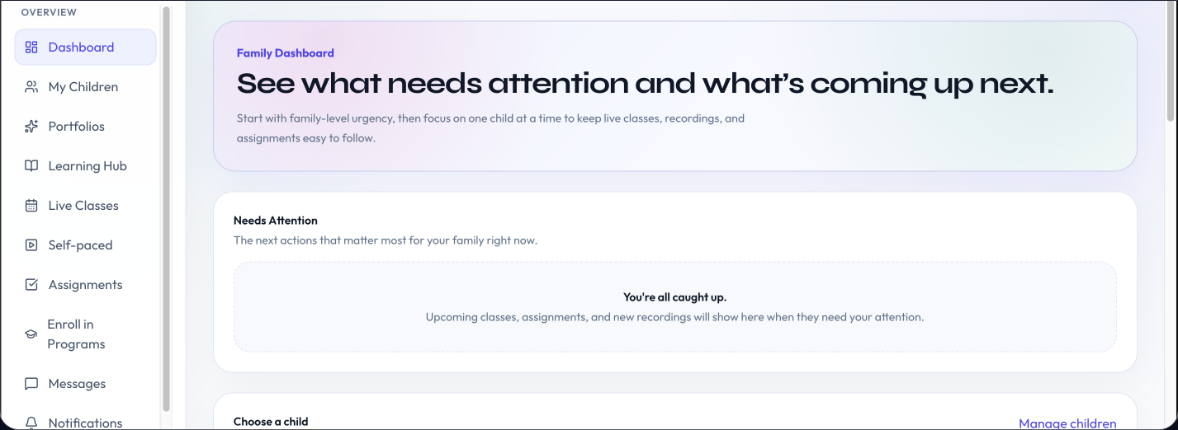
Fall Term is designed to make progress visible between classes, not only at the final presentation.
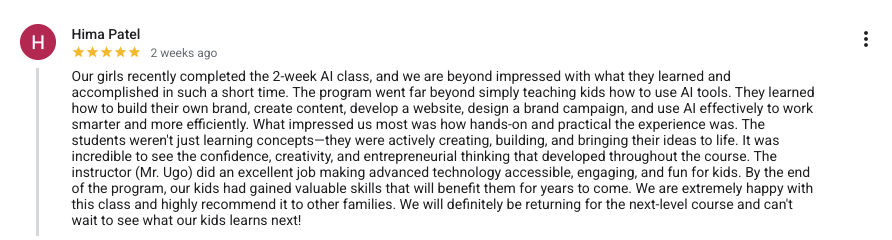
“The program went far beyond simply teaching kids how to use AI tools.”Hima Patel · Verified Google review

Founder and Academic Director
Founder · Academic Director · Engineer · Educator
Ugo Nkwocha leads the curriculum, educational direction, and teaching standards behind Transcend AI Academy. His work in children's technology education spans more than a decade, including leading 9jacodekids Academy.
Fall Term follows the standards he has developed: small groups, clear instruction, long build time, responsible AI habits, and projects students can explain rather than simply generate. Classes are led by Transcend instructors, and instructor assignments may vary by cohort.
Fall 2026 tuition
The first child is CAD $399. Each additional child is CAD $349. Every package covers the complete 10-week Fall Term.
1 child
Standard tuition
$399 per child
2 children
Save $50
$374 per child
3 children
Save $100
$365.67 per child
4 children
Save $150
$361.50 per child
No prior AI or coding experience is required. Students start with guided fundamentals.
Students should be comfortable with a browser, keyboard or trackpad, tabs, links, and copy/paste.
Students need to follow spoken and on-screen instructions. Younger students may need setup help.
Parent questions
What students need, what they will build, and how the ten-week term works.
No. Fall Term is beginner-friendly and starts with guided fundamentals. Because this is a laptop-based live class, students should be comfortable using a browser, keyboard or trackpad, tabs, links, and copy/paste, and they need to follow simple spoken and on-screen English instructions.
Students ages 8-11 join the Kids Track. Students ages 12-17 join Teen AI Advantage. Both tracks use the same core habits, with projects, independence, and expectations adjusted for the age group.
Fall Term begins Saturday, September 19, 2026, and runs for ten Saturdays through November 21. Classes meet live online from 12:00-2:00 PM ET each week. The Kids Track and Teen AI Advantage run at the same time in separate, age-appropriate groups.
Students complete multiple age-appropriate projects based on their interests. Depending on the track and project, that may include creative work, websites, useful tools, presentations, and multi-tool workflows. The goal is finished work they can test, improve, and explain.
Families receive portal access, weekly progress updates, an organized student portfolio, and an end-of-term progress note. The portal keeps classes, assignments, recordings, and student work in one place.
A laptop with a reliable internet connection is required. Tablets are not recommended for the class workflow. Account and setup instructions will be shared with enrolled families before the term begins.
Tuition is CAD $399 for one child for the complete ten-week term. For siblings, the first child is $399 and each additional child is $349: $748 for two children, $1,097 for three, and $1,446 for four.
Yes. During the final phase, each student chooses one project to polish and present live online. They explain what they made, how they made it, and why their choices matter.
Classes are led by Transcend AI Academy instructors. Instructor assignments may vary by program and cohort. Every instructor follows the same curriculum, small-group teaching model, responsible AI framework, and parent communication process. Ugo Nkwocha, Founder and Academic Director, oversees the academy’s educational direction and teaching standards.
Choose the family package that fits and reserve your child's place through the portal.